
Built for content creators
Instagram carousels and images, made in a chat.
Gumana plugs into Claude. Ask for a carousel and get checked, export-ready slides. Ask for an image and get options you can refine. Everything lands in your dashboard.
MOVE DIFFERENTLY.
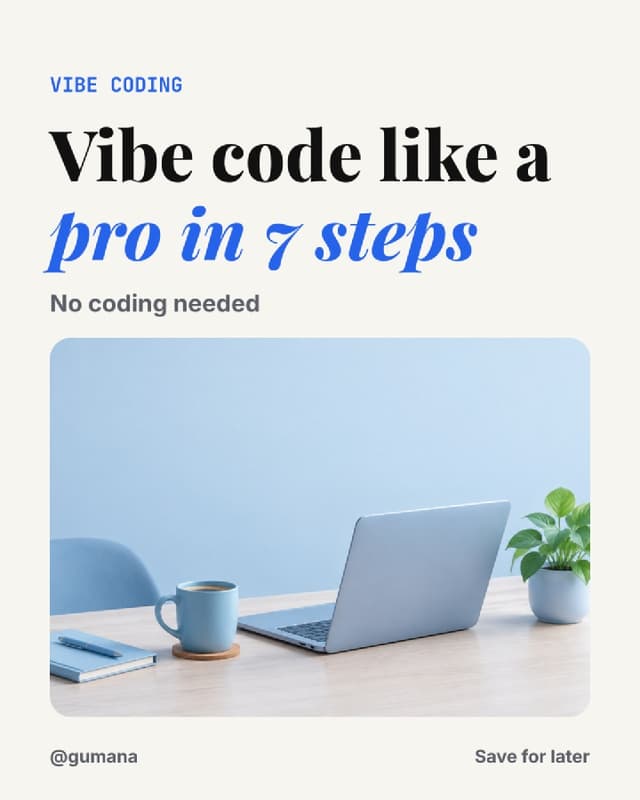
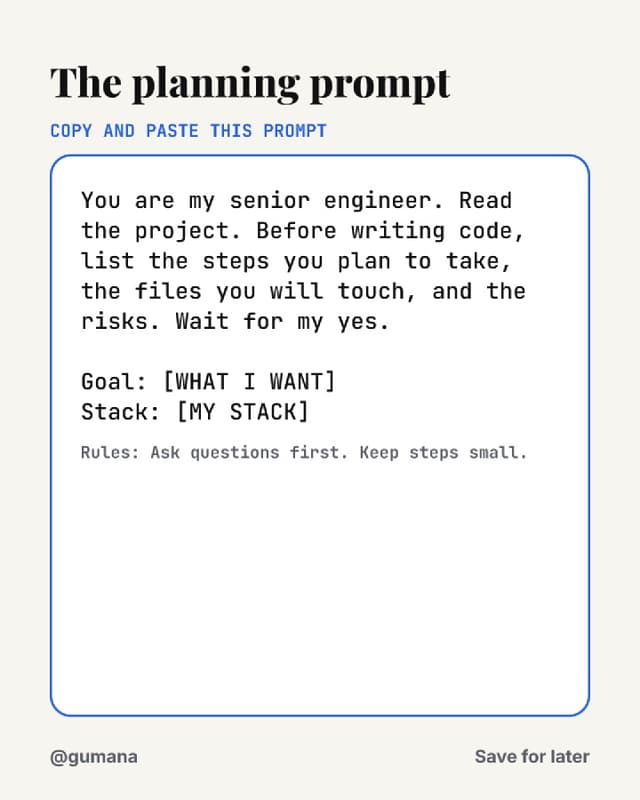
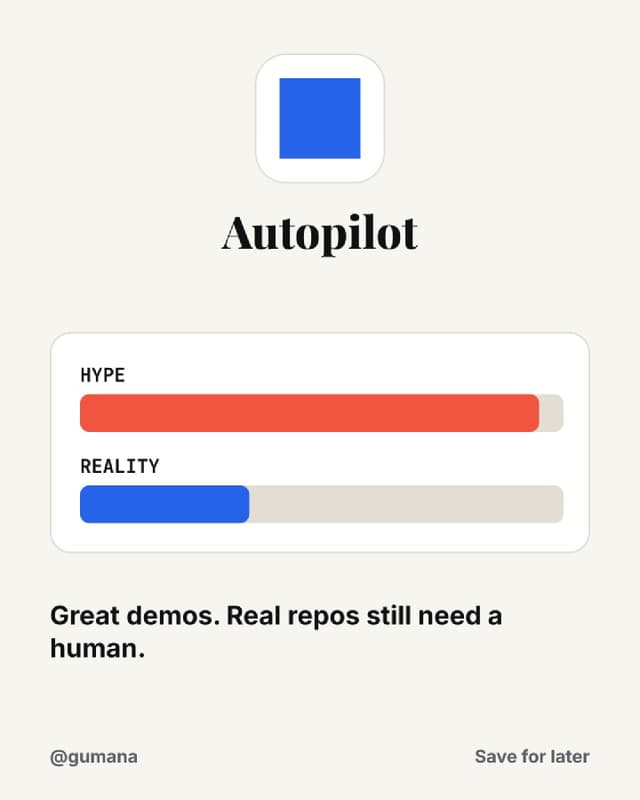
Three steps, then just talk
Connect Claude
Add Gumana as a connector in Claude, Claude Code or any MCP app. Sign in once.
Add your OpenAI key
Bring your own key. Pick a model and a monthly budget. You pay OpenAI directly.
Just ask
Claude plans the deck, builds every slide, checks it, and saves it here for you.
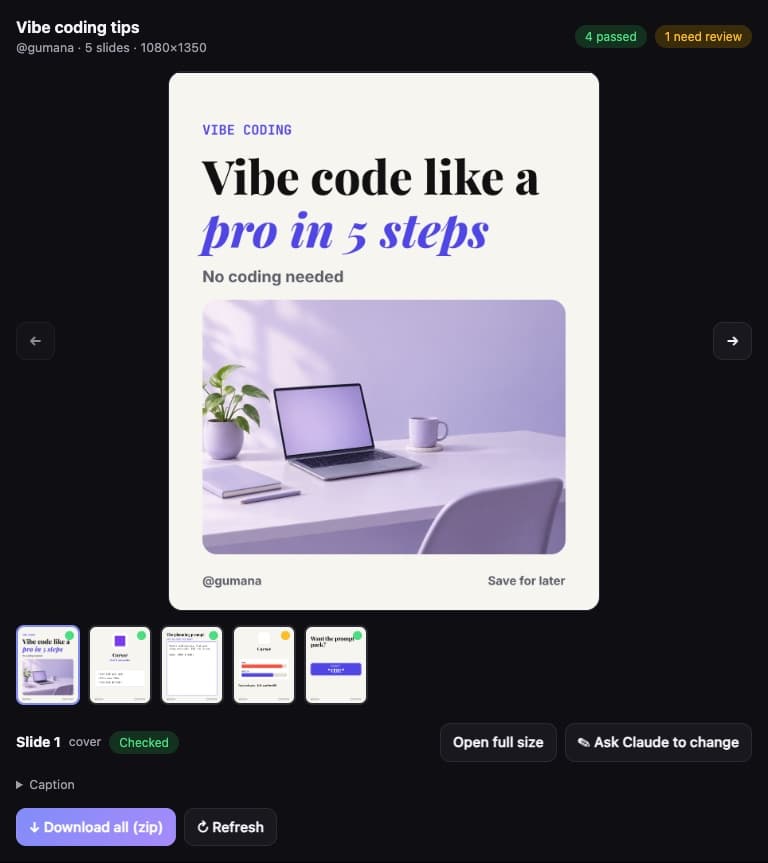
It shows up right in the chat
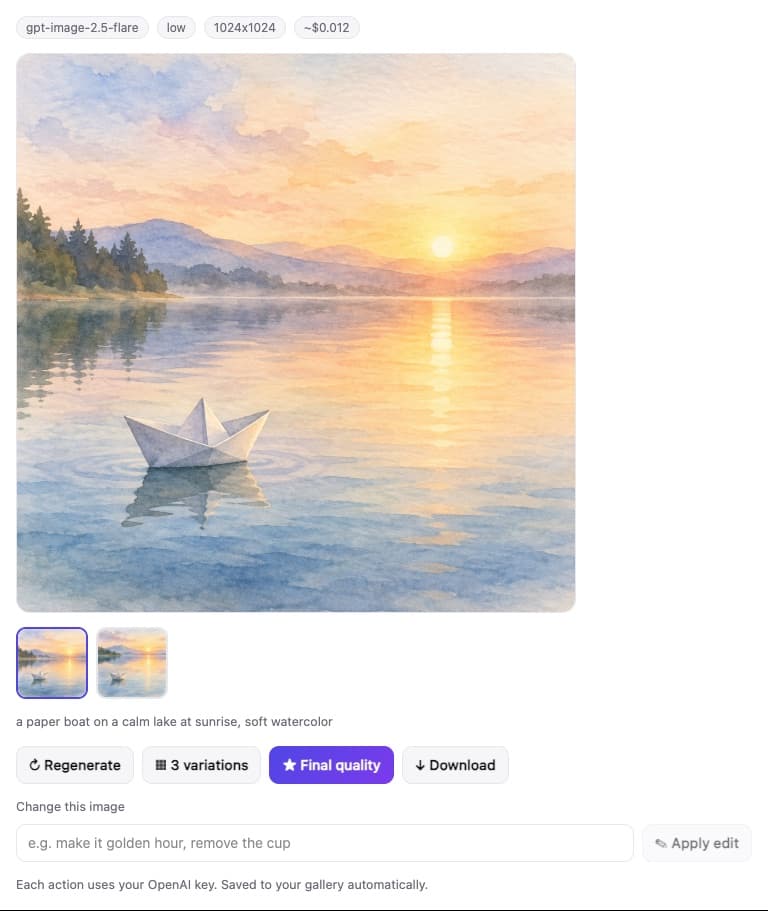
Swipe through the finished carousel, see which slides passed checks, ask Claude to change one, and download the zip. For images, pick a variation, make it final quality, or edit it with a sentence.
- Carousel preview with quality checks
- One-click zip with slides and caption
- Image variations, edits and final renders
- Model and cost shown every time
Everything a creator needs, nothing to design by hand
Carousels that are always right
Text, logos and layout are drawn in code, not by the image model. No garbled words, no fake logos, exact 1080×1350.
Checked before you see it
Every slide is checked for size, overflow, contrast and missing logos. Claude fixes problems itself.
Images with options
Variations, final quality and edits like “make it golden hour”, right inside the chat.
Pick the model, see the price
Every OpenAI image model with the estimated price per image. Claude picks the best one per task, or you choose.
Your gallery and carousels
Everything Claude makes is saved here. Download a slide, a zip or the caption in one click.
Private by default
Your key is encrypted. Files are private with expiring links. Nobody sees your work but you.
Connect in a minute
Sign up here first so you can add your OpenAI key, then connect with the same account.
Connector URL
claude.ai or Claude desktop: Settings, Connectors, Add custom connector.
https://mcp.gumana.in/mcp
Claude Code
Then run /mcp and choose Authenticate.
claude mcp add --transport http gumana https://mcp.gumana.in/mcp
Then just ask
Claude shows you the plan before it builds anything.
Make me an Instagram carousel about 7 AI tools for solo founders
The carousel skill
Teach Claude your carousel workflow
The Gumana skill tells Claude exactly how to make winning carousels: ask for your handle, plan one idea per slide, pick a proven deck style, check every slide and write the caption. It is sent automatically when you connect, and you can install it for good.
Free to use. You bring the key.
Gumana does not mark up images. You pay OpenAI directly, from about $0.006 per draft image to about $0.05 for a high quality one, and you set the monthly limit.